Record Retrieval
Reinvented

Get started
Neos

Request Records from

0

Health Facilities

Record Retrieval
Reinvented

Get started

Request Records from

0

Health Facilities

Neos

Record Retrieval
Reinvented

Get started
Neos

Neos

YoCierge introduces its most comprehensive integration to date with the amazing case management software Neos.

Medical record retrieval now seamlessly integrates with Neos to give you unprecedented efficiency for your law office. Our software engineers have designed this interface to take advantage of the unique features only available in Neos. We live in a private cloud just like Neos, so you don't need to install any software to take advantage of the improvements below.

Search Among Your Neos Cases

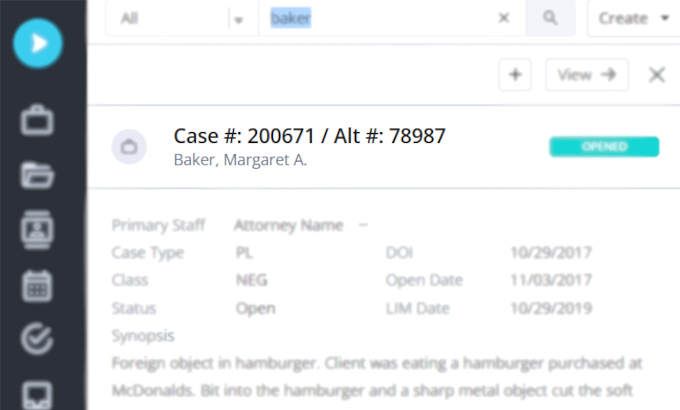
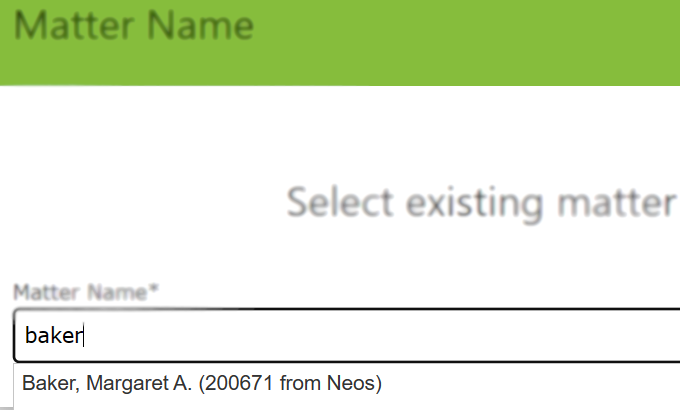
Once you have connected your YoCierge account with Neos, you will be able to search all your Neos cases from the YoCierge portal. The search happens in real-time and, thanks to Neos’ cutting-edge technology, it’s lightning-fast and intelligent, not only recognizing case names but also searching your parties and listing related cases.

Neos Project

Neos

Neos YoCierge Matter

YoCierge

Patient or Subject Details Automatically Prepopulated

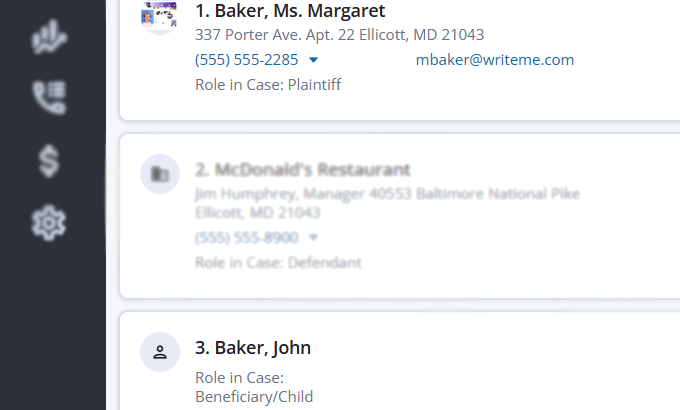
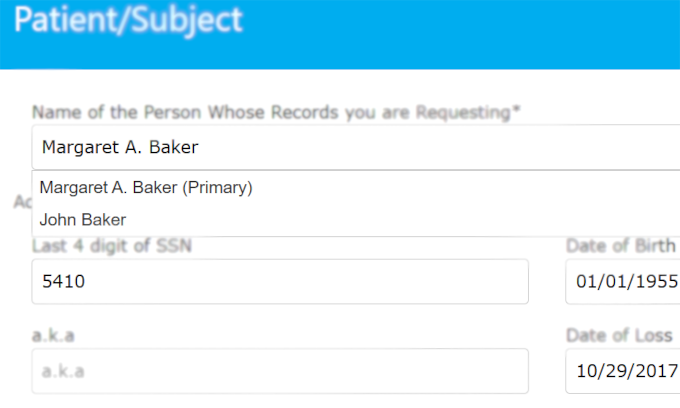
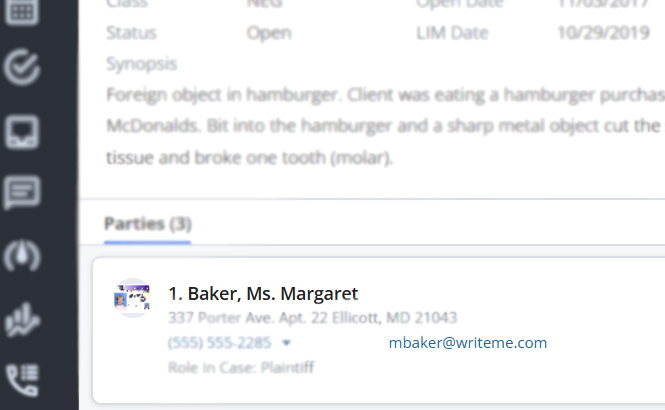
Record retrieval often faces unexpected delays because of incorrect information provided; it’s easy to make a typo in a name or date of birth. When you use our Neos integration, the cases’ parties will be presented in a simple, drop-down menu on our portal. In the case of multiple parties, we detect the ones you most likely need records for and ignore the others.

Neos

YoCierge

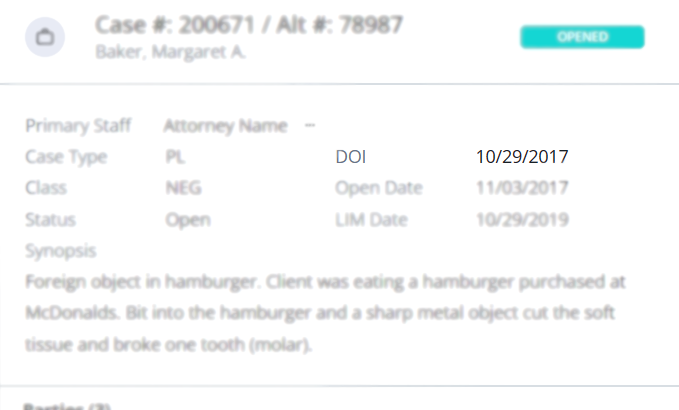
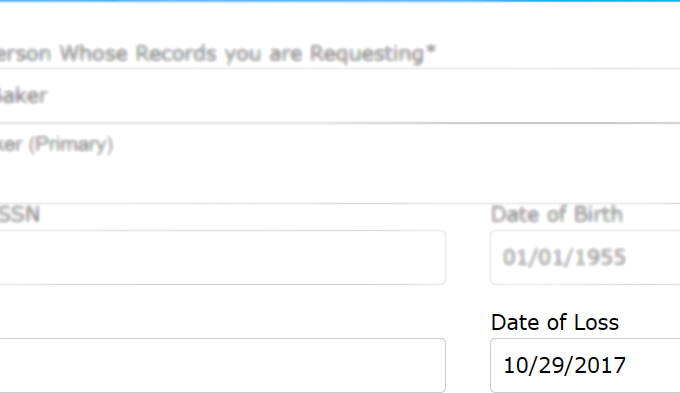
Often knowing the exact date of loss or date of the incident is helpful when locating records. Just use Neos’ DOI section and it will be automatically carried over to your record request.

Neos

YoCierge

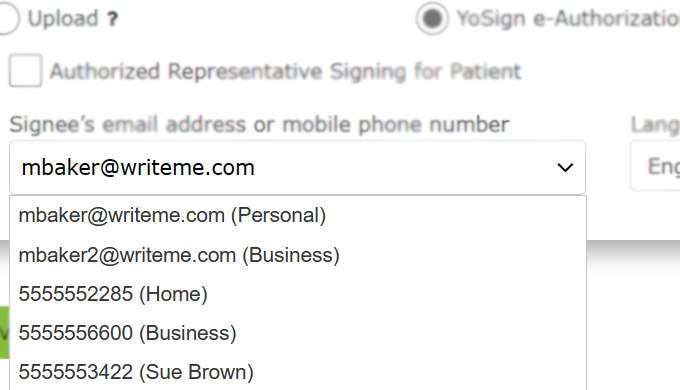
Getting signatures on HIPAA forms has been a time-consuming task, but now, we can copy the email address that you entered for the party in Neos and send the HIPAA forms with just a click for e-signatures. Your client can sign it legally on their phone and be done with it in seconds.

Neos E-Authorization

Neos

Neos E-Authorization in YoCierge

YoCierge

Records Delivered Straight Into Neos

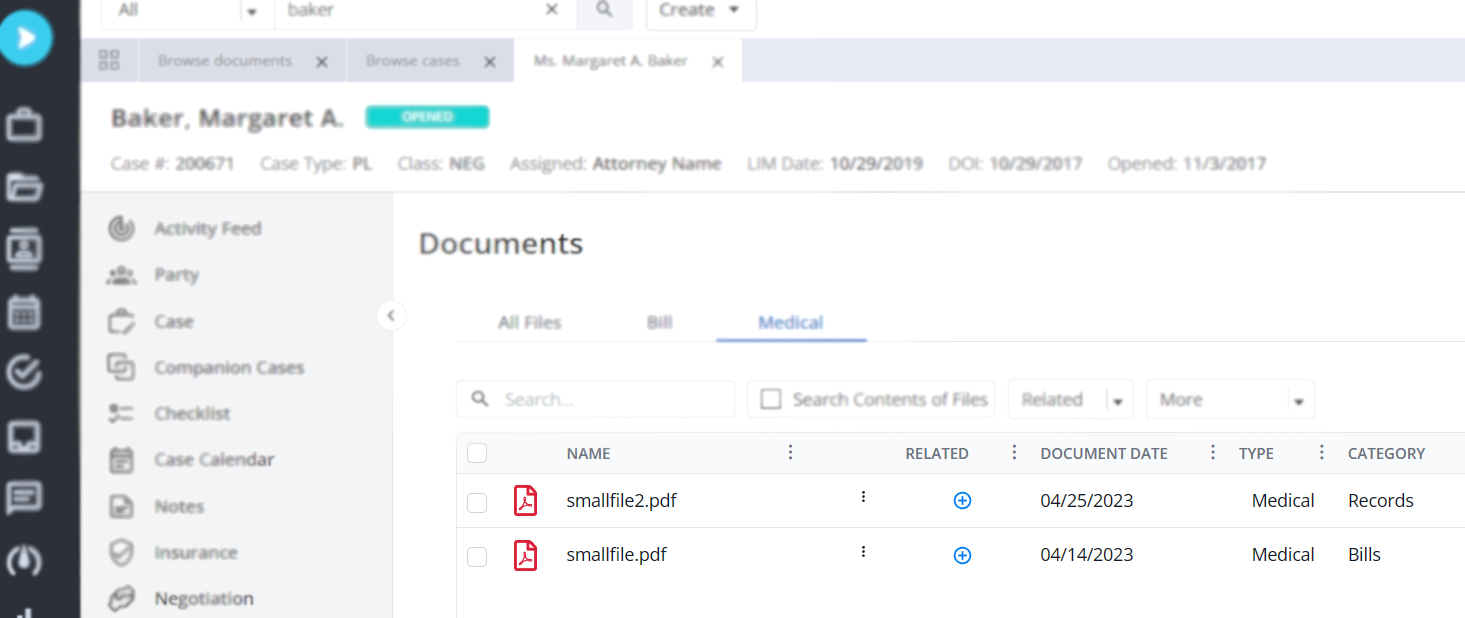
Once records arrive at YoCierge, they will be uploaded automatically into Neos under the Case Docs. This makes it effortless to track what has arrived for your case and provides easy access to all Neos users, even those who were not involved in the record retrieval process.

Neos Record Upload

Expenses Registered as Value Items

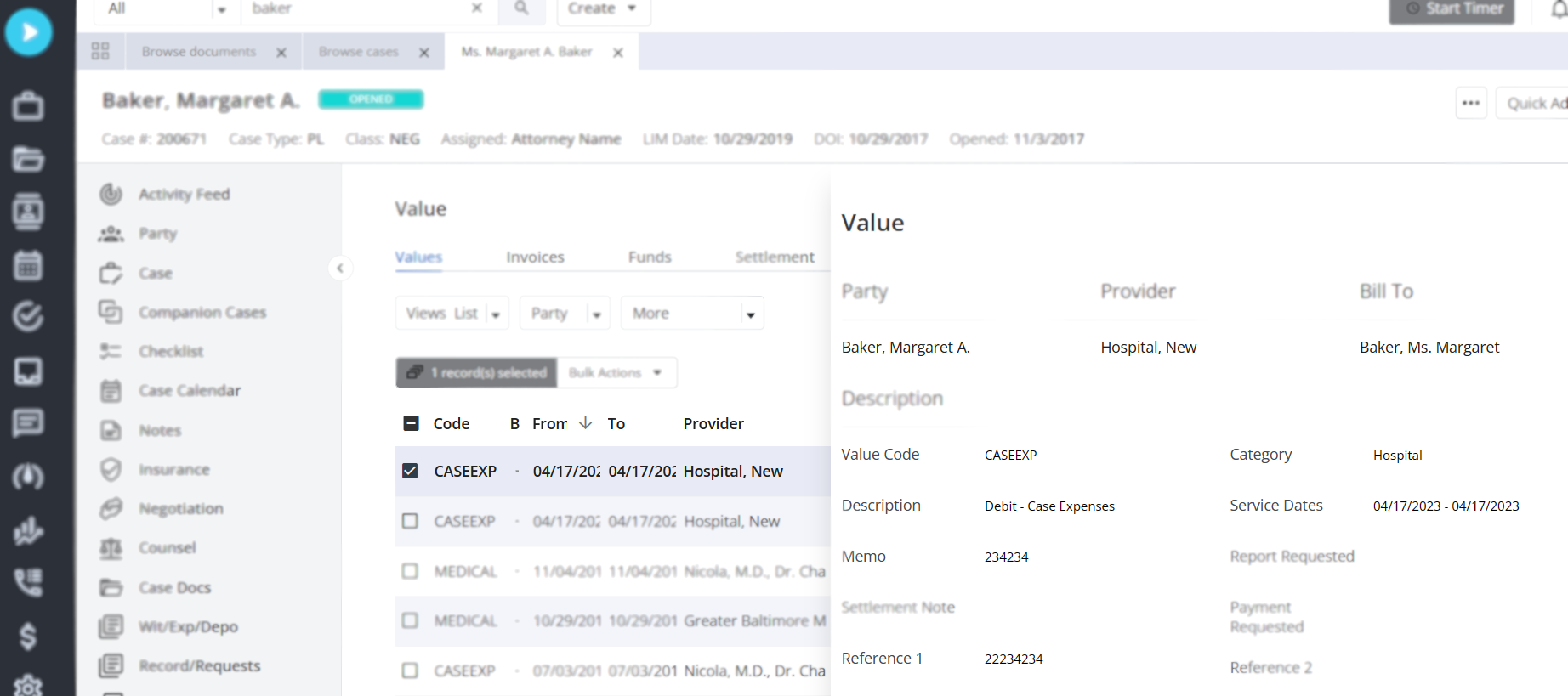
When YoCierge creates an invoice for record retrieval, it also automatically registers a new Value item in Neos. This ensures that no expenses were missed and that your firm will be reimbursed properly for the record retrieval costs. A copy of the actual invoice is attached to the entry as well.

Neos Invoice

Seamless Expense Recovery & Automated Check Requests

YoCierge not only records every record-retrieval expense directly in Neos as a Value item—it also ensures your firm gets reimbursed faster and with less administrative effort.

For every expense created, the system can automatically generate:

  • Due to Firm entries – making sure all firm-advanced costs are properly tracked and ready for reimbursement.
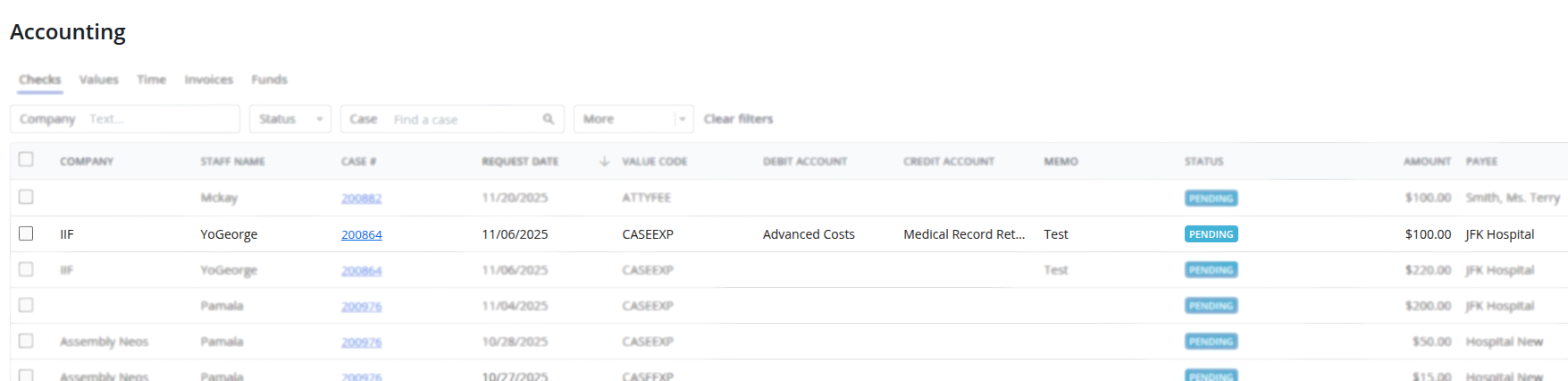
  • CheckRequest items – instantly preparing the payment request in your billing workflow, eliminating the need for manual data entry.
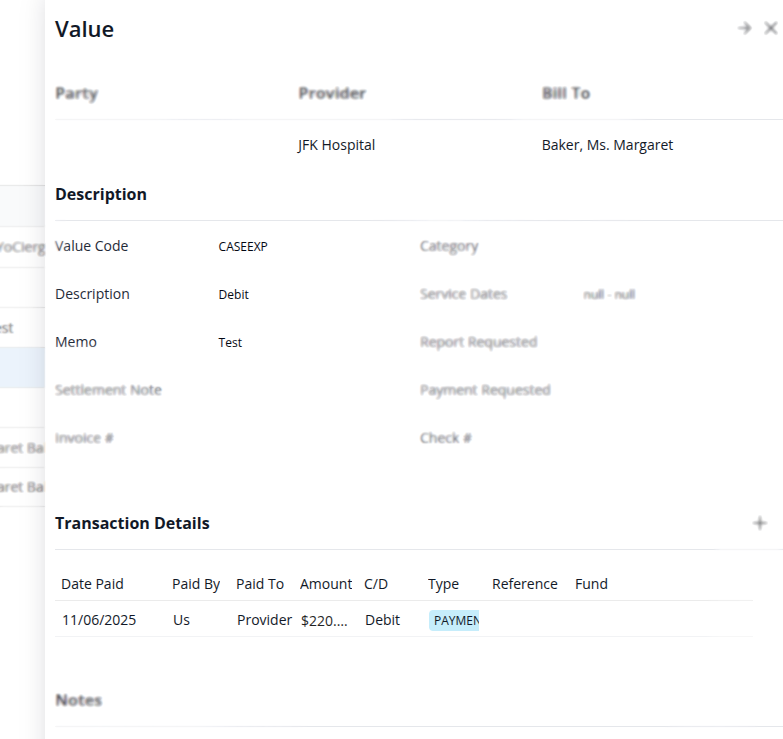
Neos Payment

Neos Payment (DTF) in the Expense

This automation removes repetitive tasks, prevents lost reimbursements, and frees your team to focus on legal work instead of paperwork.

A copy of the actual invoice is always attached, providing full transparency and audit-ready documentation.

With YoCierge, every retrieval cost becomes a fully traceable financial workflow—from Value item, to reimbursement, all the way to the generated check request—without your team lifting a finger.

Neos Check Request

Neos CheckRequest in the Accounting

No Additional Cost

Both Neos and YoCierge are committed to providing the best possible user experience, therefore, there is no additional charge for using this revolutionary integration.